TicketFae turns the one PDF your cinema, theatre or festival sends into individual tickets for every friend — real seats and barcodes preserved — then bills everyone, tracks who paid, and collects the money with PayPal & SEPA QR codes. Ditto paper tickets.
⬇ iPhone App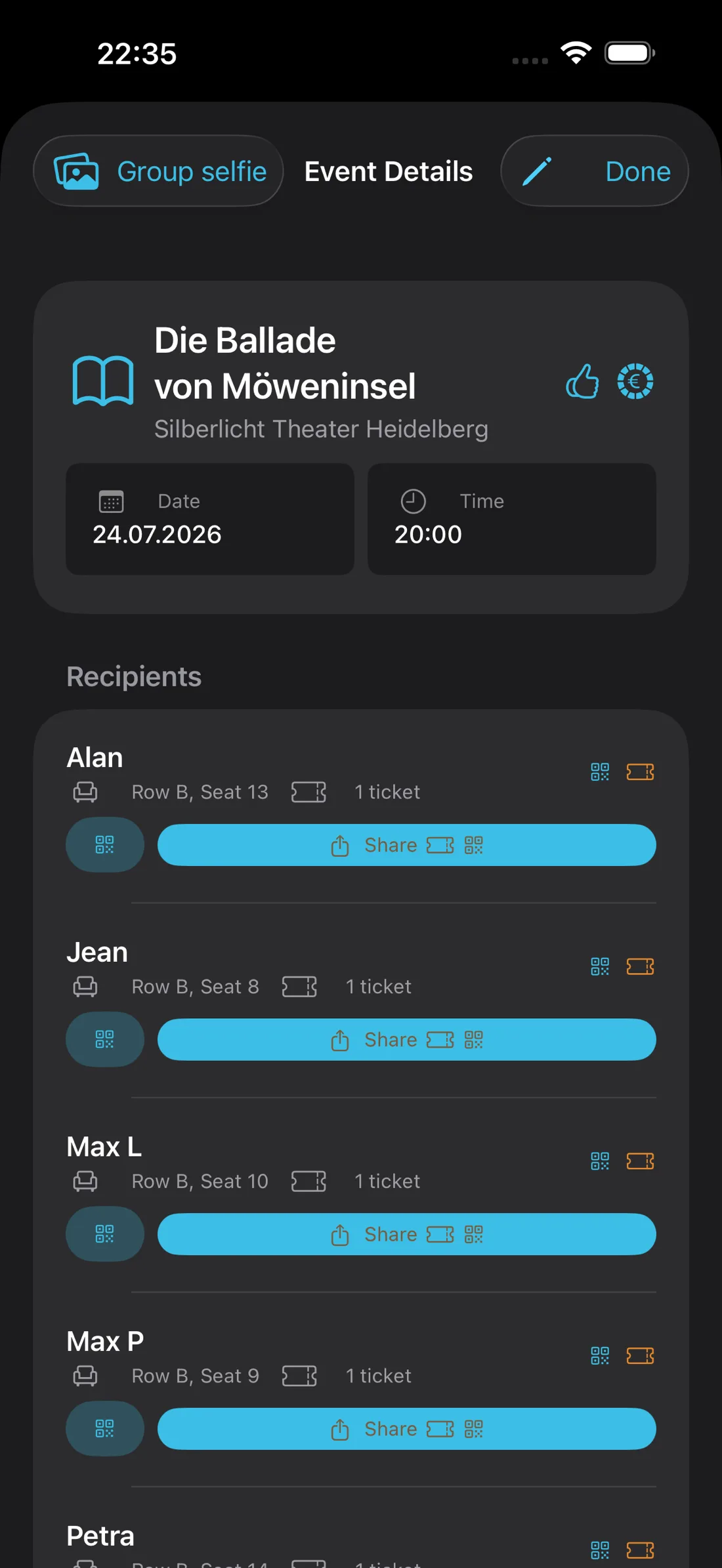
Download
Splitting, sharing, billing and settling up are free. Premium adds unlimited concurrent events, photo galleries, multi-category ratings and per-friend languages. There's nothing to buy right now: settle up your first event and you get lifetime premium free.
Download on the App StoreRequires iOS 26 or later · English & German · Your friends don't need the app
Screenshots
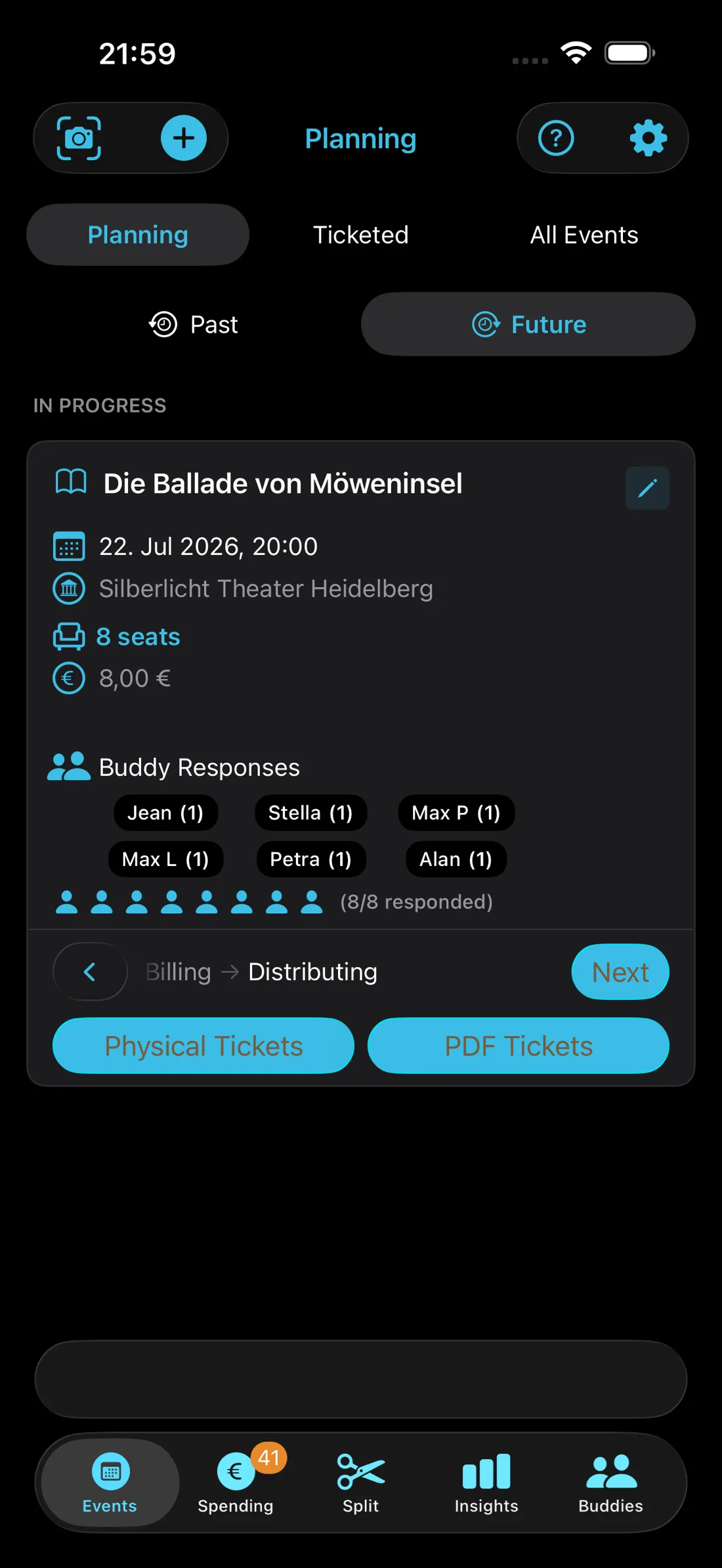
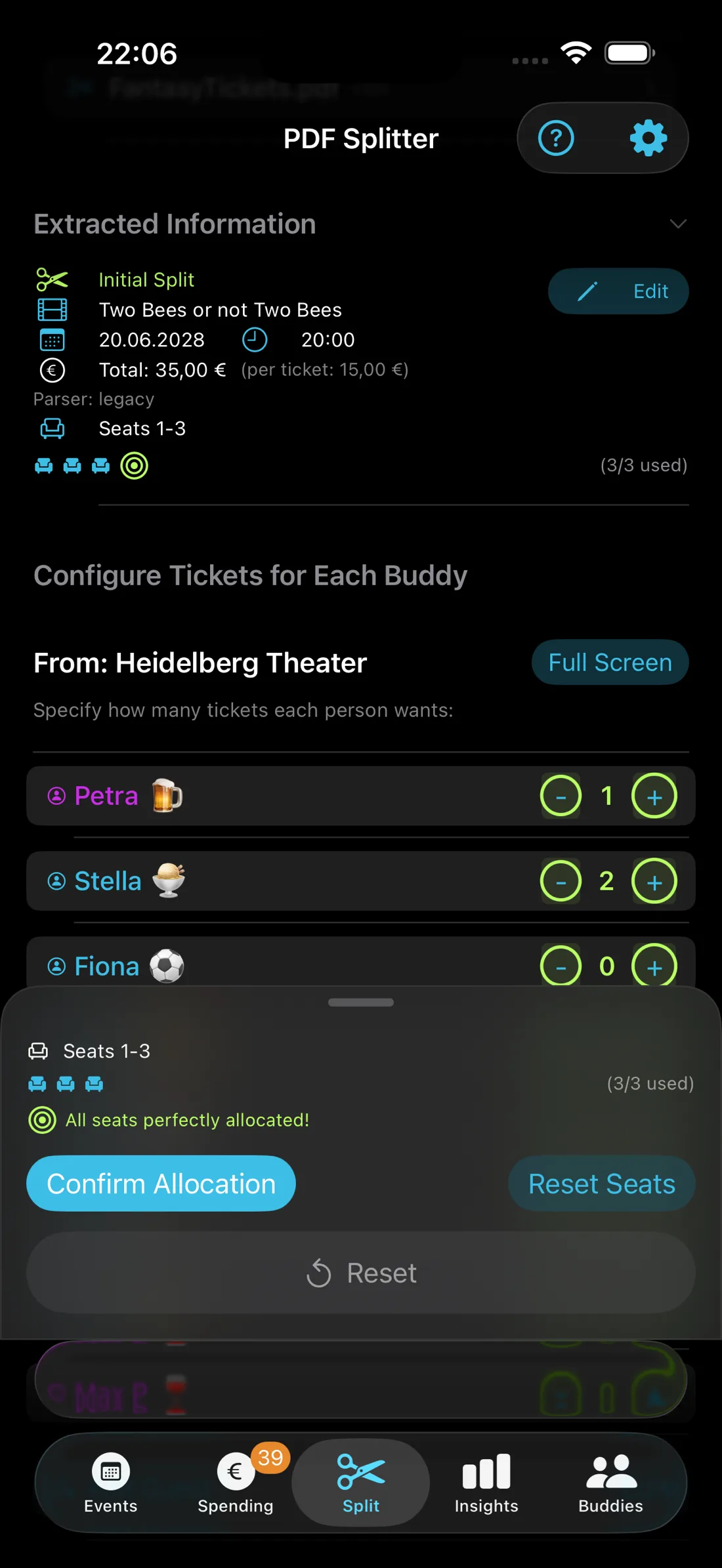
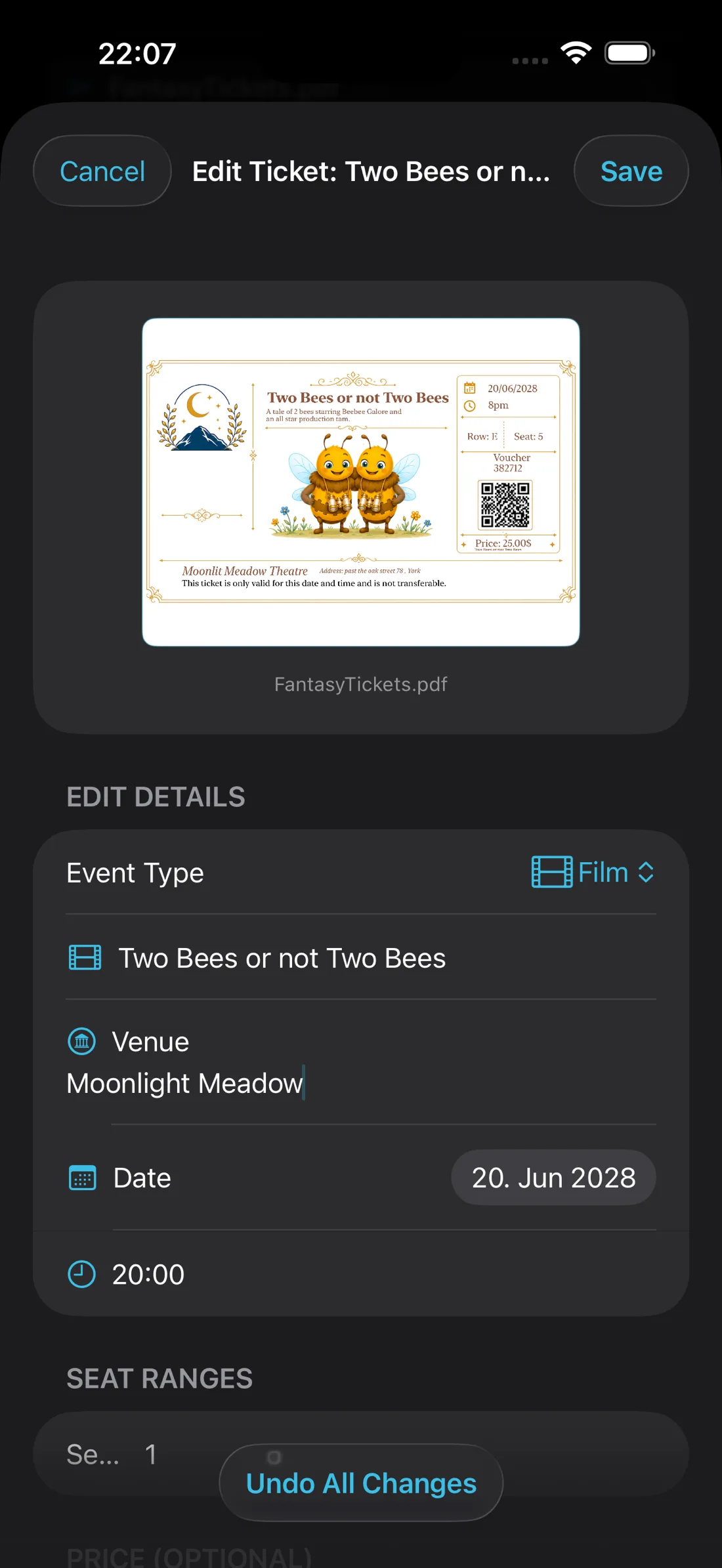
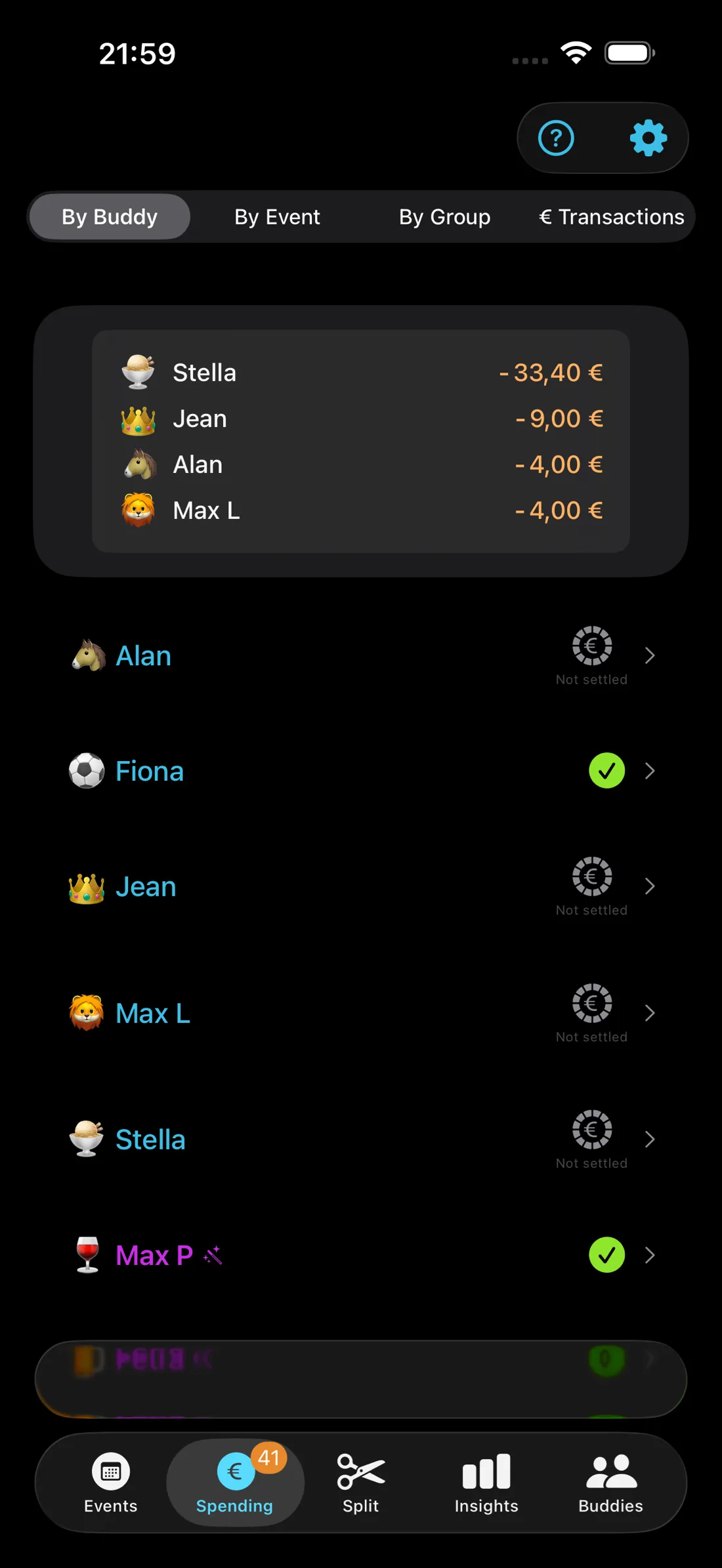
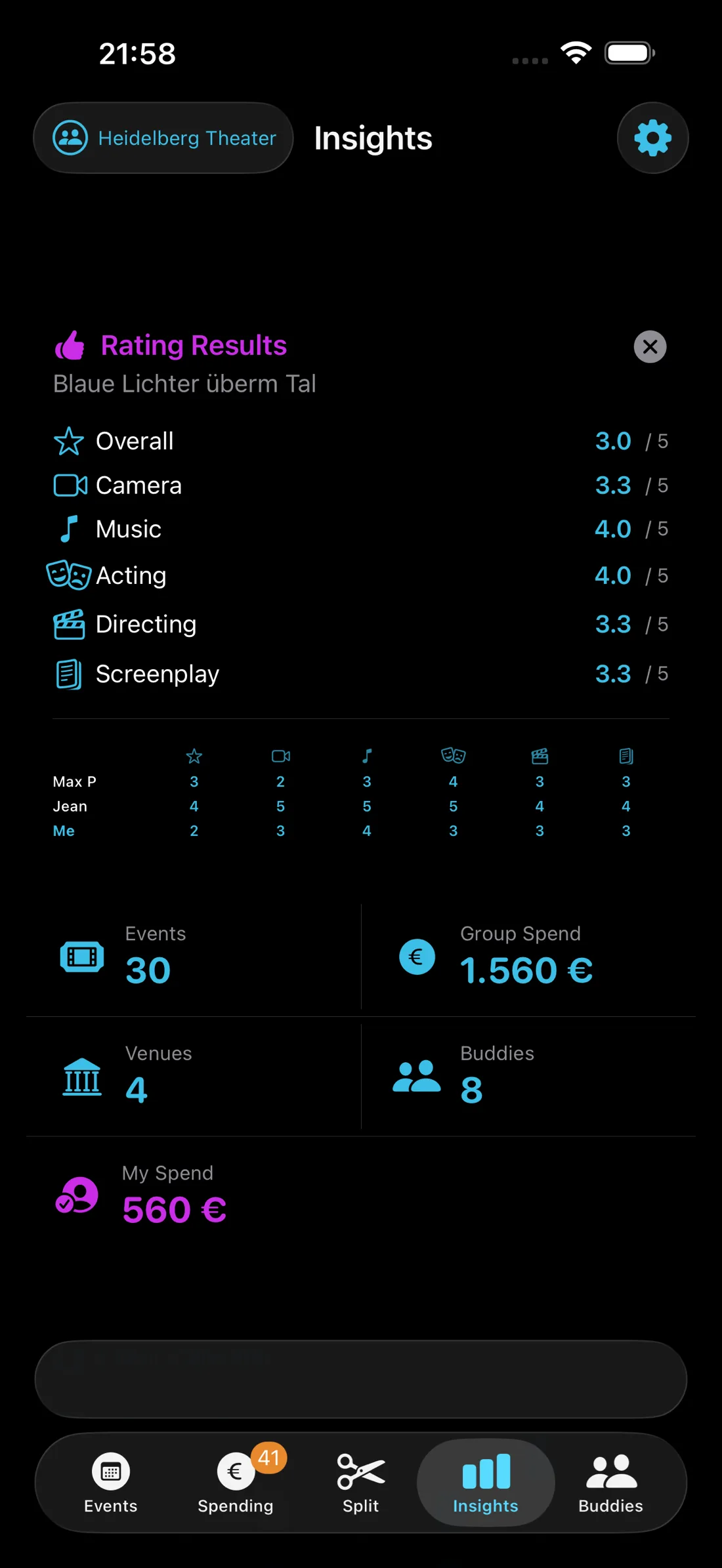
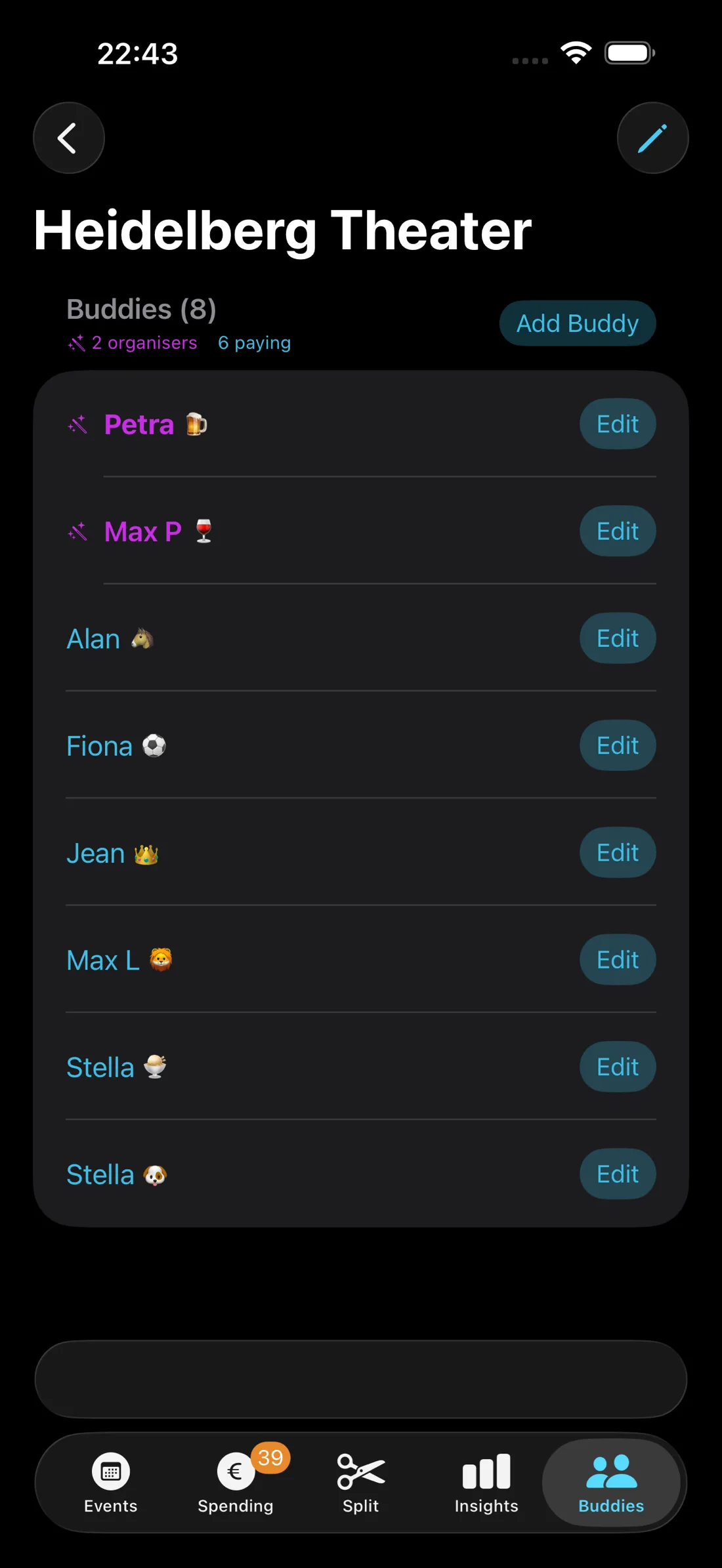
Five tabs cover the whole life of a group outing: Events, Spending, Split, Insights and Buddies.

Memories
The match you all screamed through, the opera you dressed up for — those are the moments worth keeping. TicketFae pins every event's photos to the outing that made them, so the memory lives on long after the barcode is scanned.

How it works
Made for the one person in every group who always ends up "sorting the tickets".
Create it in seconds — or scan the cinema brochure with your camera. Cinema, theatre, concert, festival, match: any event with tickets.
Who's coming, how many seats? Answers land on the event card live — so you buy exactly the right number of tickets, together, in one row.
Import the multi-ticket PDF. TicketFae reads the film, date, seats and price, then cuts it into one ticket per friend — barcodes intact.
Share each ticket by AirDrop or WhatsApp — or automatically via the free Buddy app. Each ticket comes with an Apple Wallet pass, so getting in is one tap. Expense records are created in the same tap.
PayPal or SEPA QR codes collect the money without awkward texts. Afterwards: rating polls, photos and a year of group stats.
New · Apple Wallet
The hardest part of a group outing isn't buying the tickets — it's your friends finding theirs at the door. TicketFae now makes an Apple Wallet pass for every ticket it sends, so your friends open Wallet at the venue, just like any other ticket. No scrolling back through a chat for a PDF.
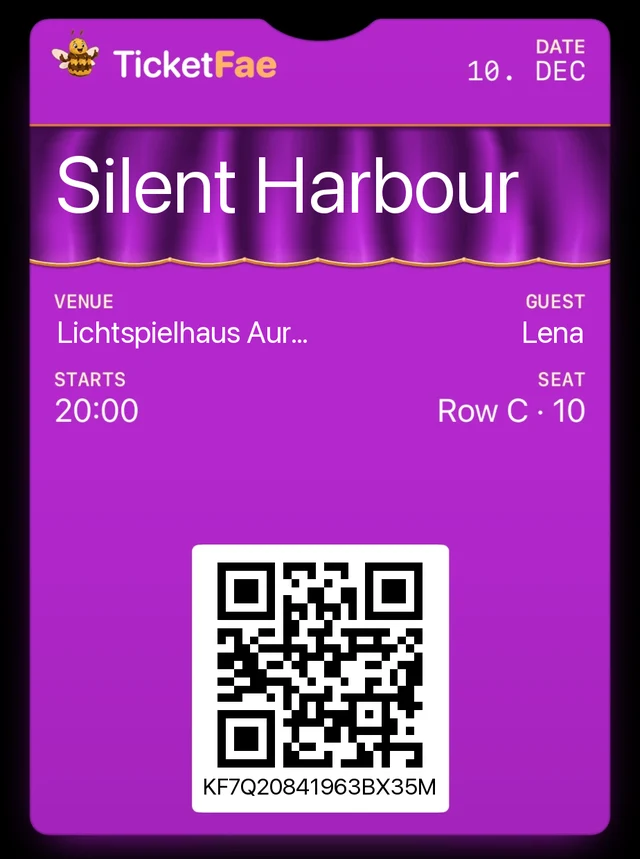
Buddies with the free Buddy app get an Add to Apple Wallet button on their ticket. Done in a second — no file hunting.
Friends who haven't paired get the pass next to the PDF in WhatsApp, Messages or Mail — tap it, add it, done. Nothing to install.
The pass is built on your iPhone. Only a list of file fingerprints is signed online — never the barcode, event, venue or seat. Details →
The PDF never goes away. It always travels alongside the pass, so Android friends and anyone without Wallet are covered. The pass is offered wherever the ticket's entry code allows it; a few unusual code types stay PDF-only. Passes are not updated after they're made.
Guides
Practical answers to the questions every group organizer eventually googles.
Turn the one PDF your venue sent into a single-ticket PDF per person — without online tools, uploads or a desktop PC.
Read the guide →AirDrop, WhatsApp, email or automatic delivery — get every friend exactly their seat, and see who has received what.
Read the guide →Pair once by scanning each other's QR code, and tickets arrive on your friends' phones by themselves. Video walkthrough, both phones at once.
Watch the walkthrough →Track ticket money by friend, event or group — and stop being the group's unpaid accountant.
Read the guide →Prices rising? Bill your friends first and buy when everyone has paid — no fronting hundreds of euros.
Read the guide →Pass their ticket — with the correct seat and barcode — to another friend, and keep the money side clean.
Read the guide →Replace the 47-message group chat with one seat poll: who's in, how many seats, done.
Read the guide →Your friend scans, the amount is pre-filled, the transfer is free. The politest way to ask for ticket money.
Read the guide →Seat polls, split tickets, ratings and a year of stats — everything a recurring culture group needs in one app.
Read the guide →FAQ
Plan, split, send, settle — and actually enjoy the event with your crew.
Download TicketFae for iPhoneEarly adopters: settle up your first event and premium is yours — for life.